
Features at a glance
Essentials for support teams with diverse customer base


Support ticketing
Support ticketing deals with customer requests and issues from receipt to closure. Support queues help categorize requests and tickets with sharing permissions for agents according to their specific skills. They can group tickets by internal departments, customer groups, or topics specified by other classification schemes.




Built-in action forms
Support ticketing actions are enabled with built-in action forms. There are different action forms acquiring data required to deliver relevant responses to customers, and other data needed to manage the entire ticket workflow.
Easy reply and resolve
Simple as using an email reply editor, you can write a response to customer issue, and choose other options needed to successfully resolve the request: add attachments, choose additional recipients, and write down how much time you spent.
Internal comments
Enables discussion between team members about important information in the resolving process. The comments are stored and delivered via email or a live push notification.
Canned replies
Quickly choose and add commonly-used text snippets to replies and ensure consistent answers to customers.


Email ticketing
Agents and customers can use their favorite email client software to provide and get support: Gmail, Outlook, Apple Mail, and others. The email-to-ticket utility converts a new email message and its data into a support request. In the same way, when an incoming email message is a reply to an existing email notification, the email and its data are appended to the ticket Action log.
Agent actions
Along with a simple reply, the common agent actions can also be applied directly in the email message: assign, close, and comment.
Customer replies
Customers can also use their favorite email client software to reply to agents and optionally add ticket attachments.
Integration with the workflow engine
Incoming email messages are monitored by the workflow rules, in the same way as other requests submitted through the portal.
Action log
The action log provides a historical insight into the request submission and resolving process of tickets. It is used to investigate how a support request was initiated and later resolved by the service or support team.
Full Audit trail
Track all types of transactions and messages related to the ticket, performed manually or in an automated way. All ticket actions are displayed in a ticket-relevant chronological record.
Search messages
Search the entire database of ticket replies, comments, and ticket descriptions using the token-based search engine.

Request submission forms
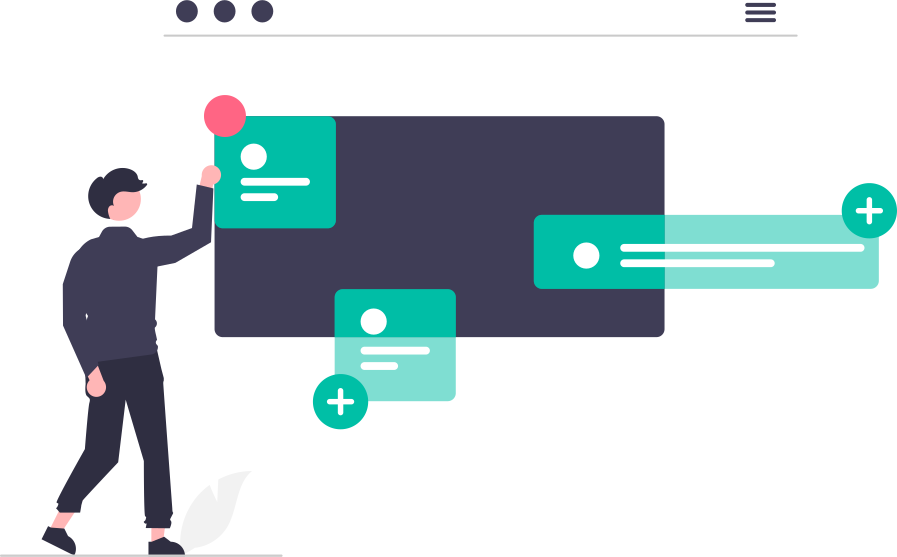
Set up submission forms and enable customers to add important information about their requests, allowing submission via internal support portal, public submission form, and help widget.
Forms by request topics
The submission forms are organized according to customized ticket topics. For each request topic, the corresponding submission form is created, allowing you to add custom fields.
Custom fields
Add multiple text fields, select list fields, and DateTime fields for selected topics. Optionally enable or disable request subject and attachments.
Ticket update fields
Enable agents to update ticket information with specific data not visible to customers. Whenever the agent updates the ticket information, the change is added to the Action log.
Help Desk Automation
Reduces support load with tailor-made automation
The help desk automation ensures optimized and effective support using two major tools: the embedded workflow engine with automation rules, and the AI-enabled algorithm for recommended responses.
Faster response times
Automatically determine the type of request, route it to the right person, and send an automated response.

Improved communication
Keep customers, team members, and managers informed with little or no effort and deliver timely information.
Increased satisfaction
Automation of repeated tasks frees up team members to concentrate on more challenging work.
Workflow engine
Provides a run-time execution of automated commands based on rules or macros. You can create a specific set of commands tailored to your support process to save manual work.
Assignment and Categorization
Appearance of new requests is monitored according to predefined submission rules. It enables automated categorization, assignment, and optional prioritization of requests.
Scheduled actions
Time-dependent conditions are added to workflow rules that monitor ticket status and ensure that all established time-based commitments are not at risk.
Notification rules
Keeps all users informed with timely email notifications: select an appropriate email template and set desired level of notification for different ticket actions.

Intelligent solutions
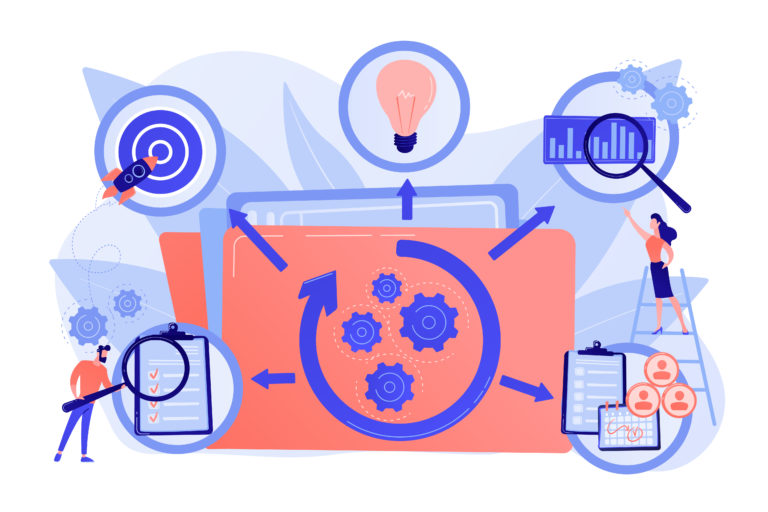
Provide the agent with the tool for smart responses that learn from their previous effective solutions and requests, and further give a ranked list of responses to specific issues.
Recommended agent response
The AI-enabled algorithm searches previous ticket solutions and knowledge base articles to provide the agent with a list of recommended responses within the ticket action area.
Responses settings
Set the algorithm features: choose the minimum similarity between compared tickets and enable or disable analysis of knowledgebase articles.
Customer Portal
Single point of access for customers' issues
The Customer support portal offers customers access around the clock with self-service features. It allows customers to easily submit requests and track their processing, ask for live chat support, or search for solutions in the knowledge base without ever contacting support agents. With customers transparently involved in resolving their requests with timely information, the portal enriches their experience and leads to increased loyalty.
Keeps Customers Informed
Provides a Self-service tool to customers to get insight into their requests, chat sessions, messages, and entire conversations with your support team.
Customer Dashboard
The summary information is provided to customer managers and other members of their group or company.
Customer Account Management
Manage customer accounts and groups. The self-registration procedure allows guest users to request access to your site, and optionally route requests for approval.
Customer Ticketing
Registered customers can get information on their recent and past activity, submitted requests, and previous solutions. Along with the email ticketing features, they can use the built-in forms to communicate with your support team: submit new requests, reply and close tickets, and rate agent solutions.
Ticket list
Customers' tickets are organized into a searchable report. Customers can search, view and download the ticket information to CSV and PDF reports.
Track resolution
The ticket action log is provided to customers with information about the resolution path, with all replies and attached files.
Manager insight
The customer manager can view all tickets belonging to the group they manage, along with the summary reports.


Live Chat
Live chat speeds up the support process by allowing for a more natural timely conversation, where a skilled support agent can ask the right questions at the right time and direct a customer to the best available person. It allows you to combine real-time chat support with self-service options, enhancing the support experience for customers according to their preferences and the capabilities of the support team.
Real-time conversation
Live chat appears as a pop-up on your website or in your support portal. When your customers open the chat window, they're able to request a conversation with your support team.
Agent tool
On the agent's side, the overall layout is very much similar to what the customer sees. There is additional information about the customer with their previous requests and tickets, and chat sessions.
Search chat sessions
The agent can search chat sessions and entire conversations using a set of keywords without the need to memorize previous solutions and answers.
Knowledge base
Organize your collective knowledge and document best practices and solutions in an online knowledge base. You can set restricted or open access to knowledgebase categories and articles. Customers can rate articles and also view the list of the most popular and recent articles.
Internal, External, or Public
Based on the access permissions for the knowledgebase categories and their belonging articles, you can create three types of knowledgebases and assign access to different users.
Smart search
Allow customers to search for solutions in the knowledge base using free questions and provide a ranked list of the recommended articles.
Add and Edit Articles
Create article content using the HTML-rich text editor.

Reporting and Analytics
Instant information about support activities
Analytic reports provide a comprehensive set of customer service metrics within a selected time window: allocation and effiency of team resources with a quick comparison of workload, SLA performance, and summary of all customer and agent activities.
Aggregated reports
Contains classified amounts of requests - received or closed, based on multiple data dimensions: Agents, Queues, Topics, Customers, Tags, Customer groups, and Submission channels. The report filters enable you to control reports' information and to vary the data presentation.
Submitted requests
View summary data about requests and tickets submitted within the selected period and group them by one of the data labels.
Closed tickets
Track and analyze the efficiency of your team and get insight into support performance: total or average response time and resolution time.
Custom classification
View a summary report based on tickets previously classified with one or more keywords or tags according to your internal scheme.
Trends and Activities
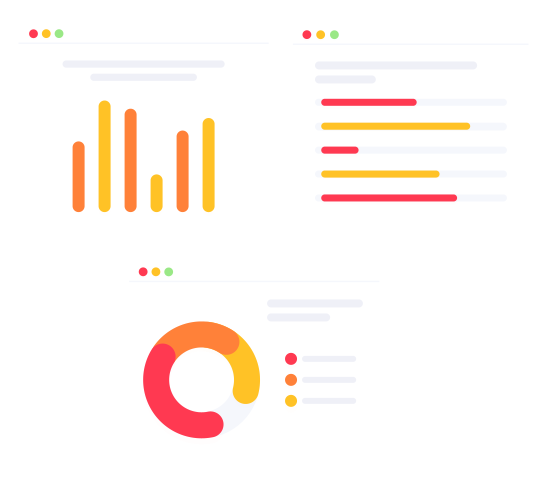
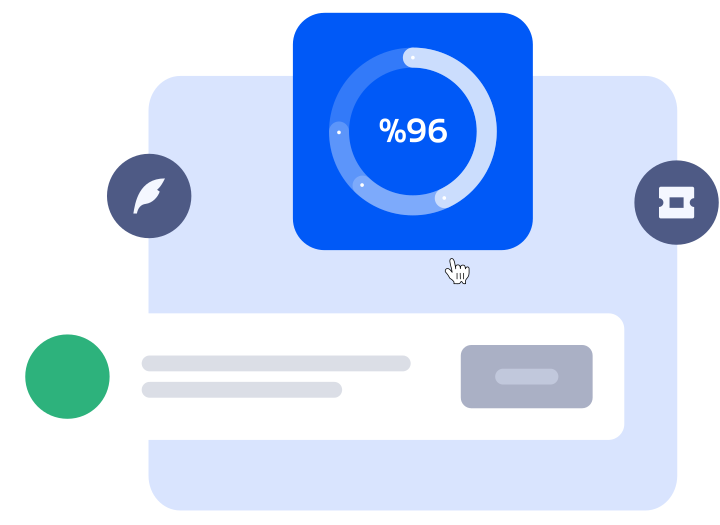
Keeps track of trends, employee productivity, and customer satisfaction to improve customer support processes.
Actions summary
Shows summary data of all actions and activities within your help desk: agent and customer replies, comments, notifications, automated actions, etc.
Billable time
Displays summary data on time spent by agents per requests and use them to bill customers, or track the overall agent and team performance.
Report Builder
Build your reports based on tickets' data: choose columns, apply filters, sort, and save it as your preferred report. Download as a searchable HTML report.
Get Started Now!
Customize as you grow or change
There is no need to install anything — it's a flawless SaaS Helpdesk solution that empowers your support team and improves customer experience. Introduce it to your team and customers without a need for custom user training.