
Turn Your Help Desk Data into Actionable Support Insights
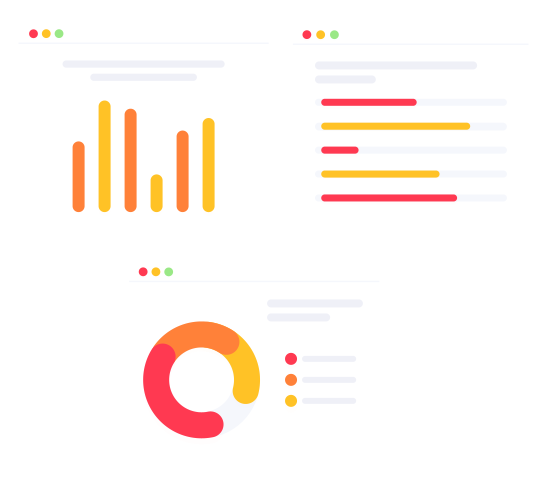
Help desk reporting and analytic help you monitor ticket volume, response times, resolution performance, and team workload at a glance.

Monitor Help Desk Operations as They Happen
Every ticket, response, chat conversation, and automated workflow action creates valuable operational data. Help desk reporting and analytics transform that data into insights that help you identify trends, balance workloads, improve SLA performance, and make better support decisions.
Identify Patterns
Find recurring issues, and root causes to reduce repeated issues and problems, save time, and improve planning.
Spot Workload Spikes
Look for sudden deviations from your standard weekly or monthly baselines to prevent agent burnout and maintaining low first-response times.
Monitor SLA Adherence
Track whether your team meets promised response and resolution times to identify overloaded queues before SLA targets are missed.
Whenever you need an answer to any of the following questions, you will receive timely insight:
- Which customers generate the most tickets?
- Which queues are overloaded?
- How does request demand change over time?
- Where do response delays occur?
- How much billable work was completed?
Compare Performance Across Support Activities
Group and filter ticket data by agent, queue, topic, customer, tag, team, or submission channel to uncover trends and compare performance across your support organization.
Submitted Requests
View summary data about requests and tickets submitted within the selected period to understand where demand is growing.
Closed Tickets
Compare agent performance using response times, resolution times, ticket completion rates, and workload handled during the selected period.
Custom Classification
Report on tickets by custom categories, tags, or your business-specific classifications to identify recurring issues and support trends.
Track Support Trends and Team Activity
Track support trends, agent efficiency, and customer feedback to identify opportunities for process improvement.
Actions Summary
Measure agent and customer interactions, including replies, comments, notifications, and automated workflow actions.
Billable Time
Track billable time spent on each ticket and generate customer invoices supported by a complete audit trail.
Report Builder
Create, save, and reuse custom reports using ticket data tailored to your management, process, or customer reporting requirements without exporting data to another tool.